
Steps
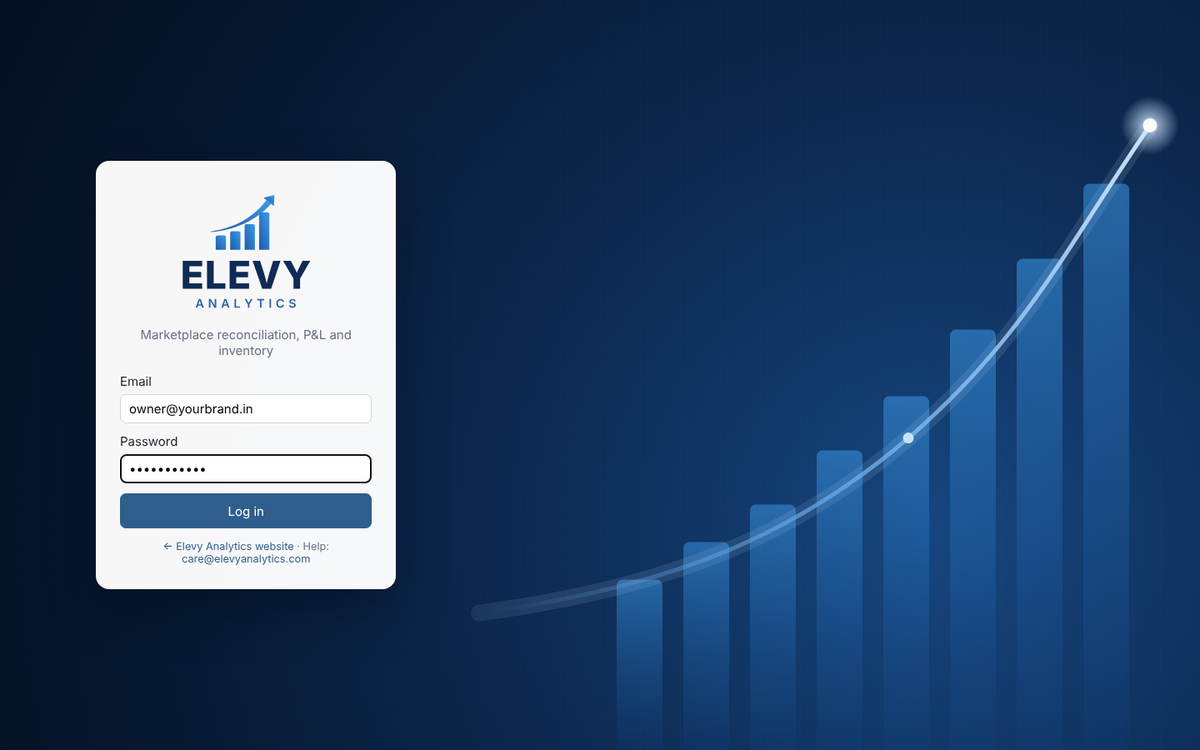
- Open the Elevy address you were given (for example app.elevyanalytics.com).
- Enter your work email and password, then click Log in.
- If your account asks for it, enter the 6-digit code sent to your email (valid 10 minutes; Resend after 30 seconds). Tick 'Trust this device' to skip the code on that browser for 30 days.
- Forgot your password? Click Forgot password? on the login page and follow the email link (valid 30 minutes), or ask your account owner to reset it on the Team page.
- Log out from the round button with your initial at the top right.
Good to know
- Sessions end after 12 hours; log in again when asked.
- The top menu groups pages under Sales & P&L, Finance, Operations and Settings; the line under it shows where you are. On a phone the menu sits behind the ☰ button.