
Steps
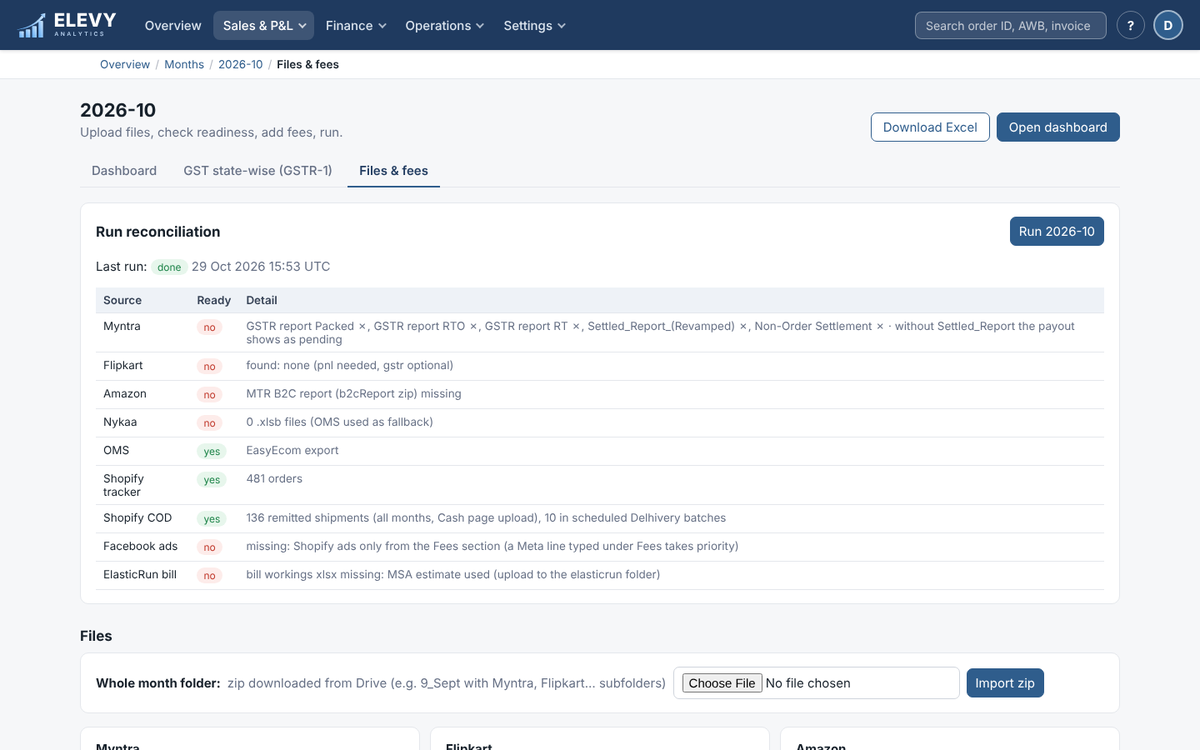
- On the month page click Submit (top right).
- Wait for the status to show done (about a minute).
- Open the Dashboard tab.
Good to know
- Submit again whenever you add a file or a fee: figures marked provisional are replaced by the real ones. To re-run every month at once, use Refresh data (all months) on the Overview page.
- The Checks and data gaps list at the bottom of the dashboard says which files are still missing.